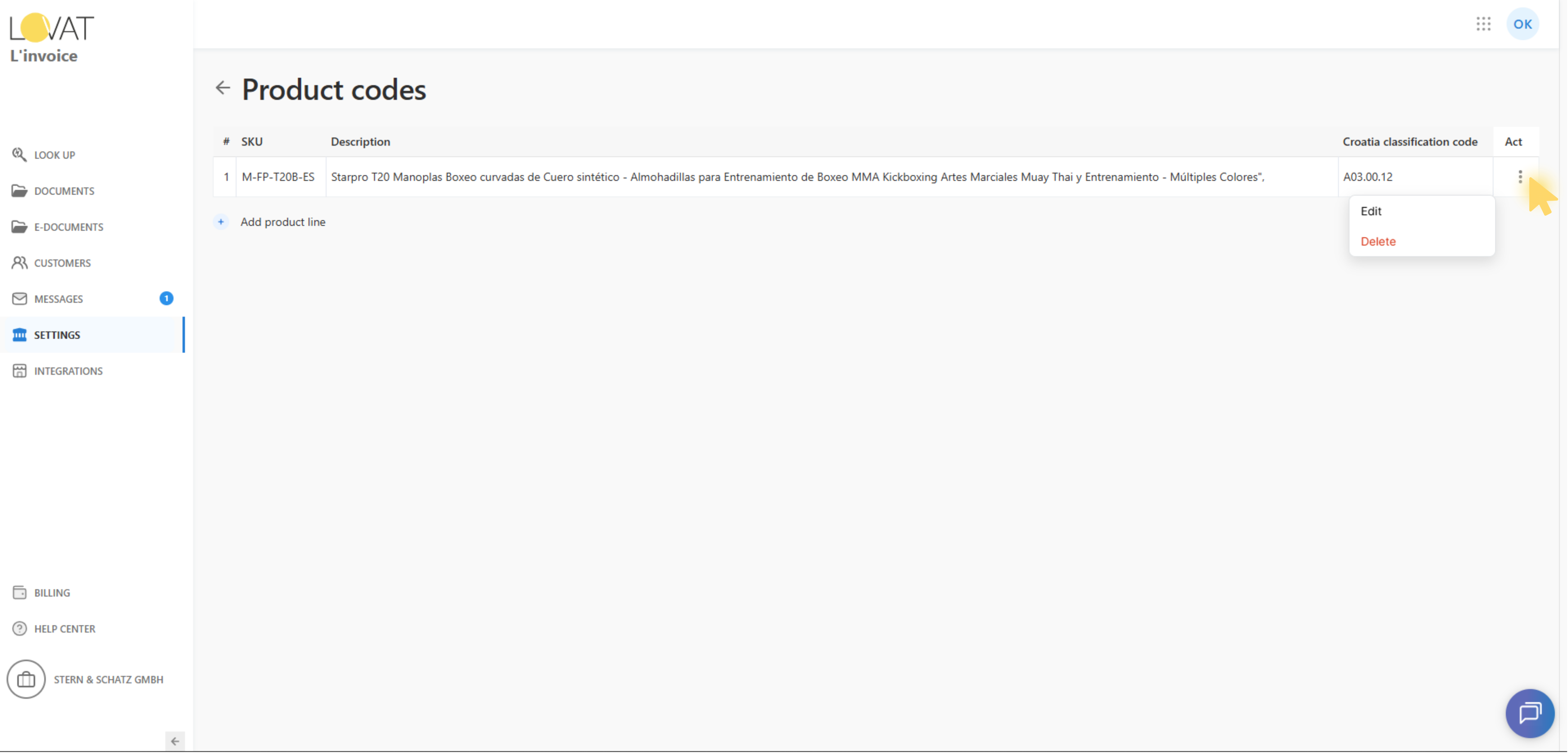
How to Manage Product Codes for a Country
The Product codes page allows you to add and maintain country-specific product lines used for invoice compliance and local reporting requirements.
1. Open Product codes
To open product codes for a country:
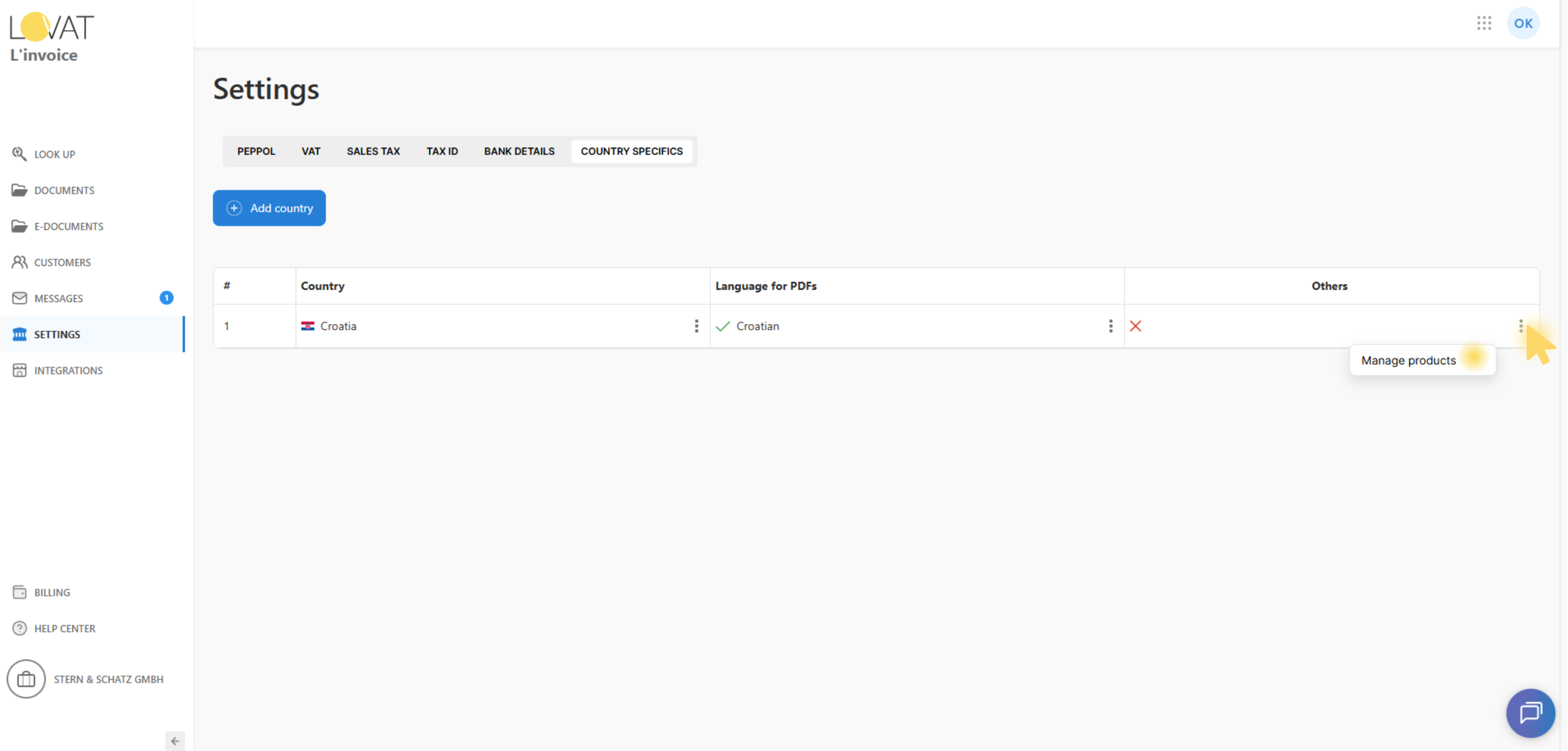
- Open Country Specifics
- For supported countries, click Manage products in the “Others” column.
The page title shows Product codes.
2. Product table overview
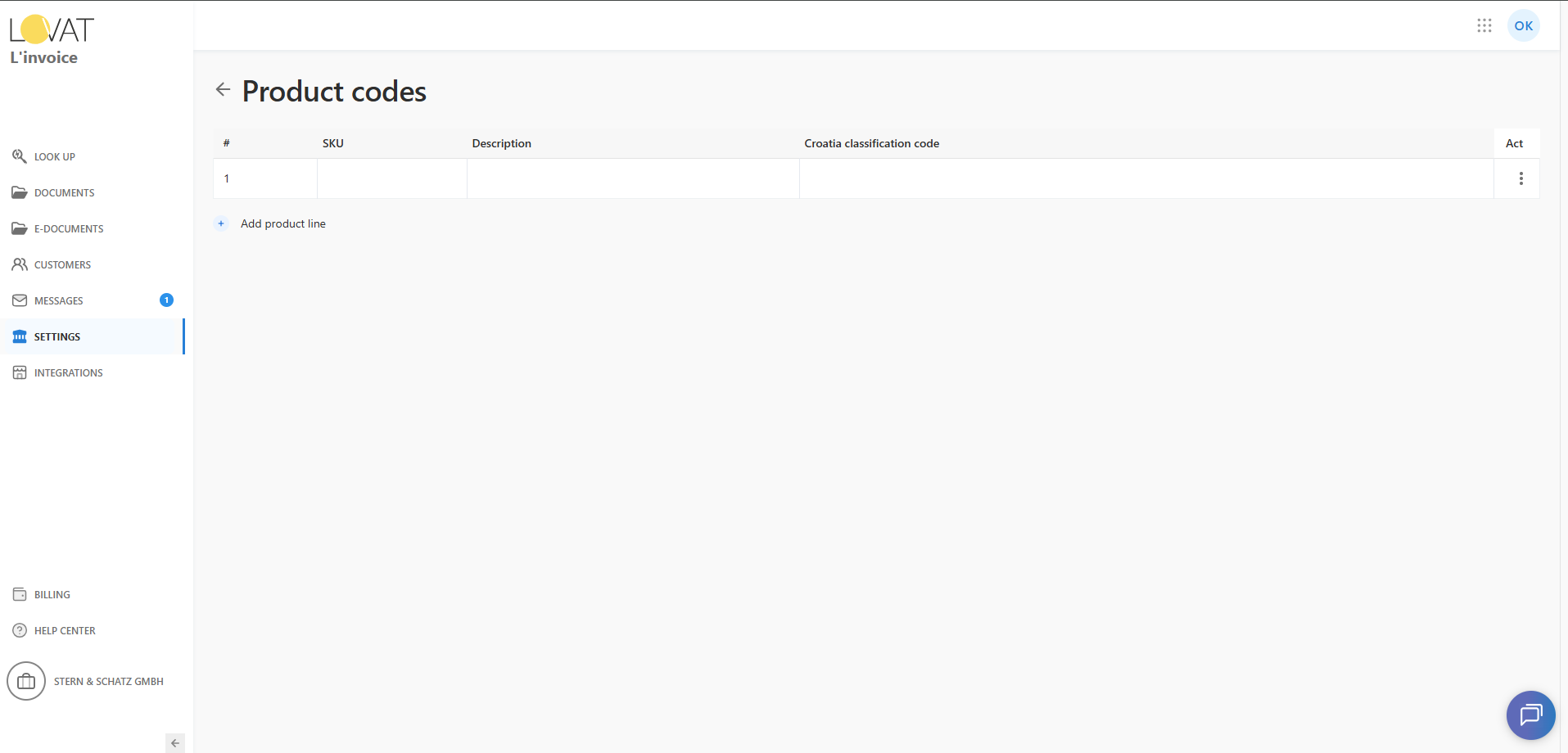
The table includes:
- # — row index
- SKU
- Description
- <Country name> classification code
- Act — actions menu (“…”)
Rows are clickable: clicking a row opens the modal to add/edit product details.
3. Add a new product line
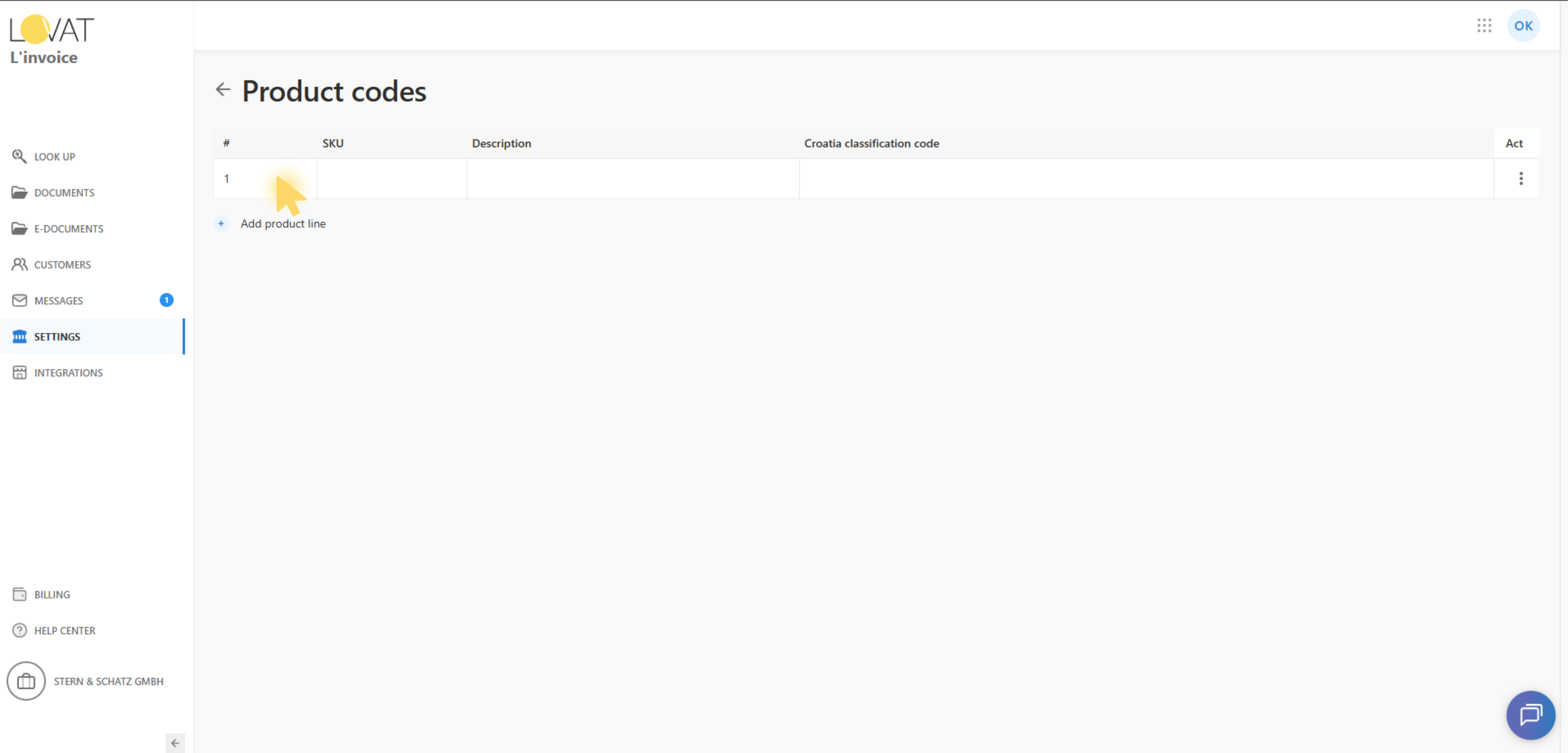
Click Add product line to add an empty row to the table.
Note:
- This action adds a row only.
- To enter data, click the row to open the modal.
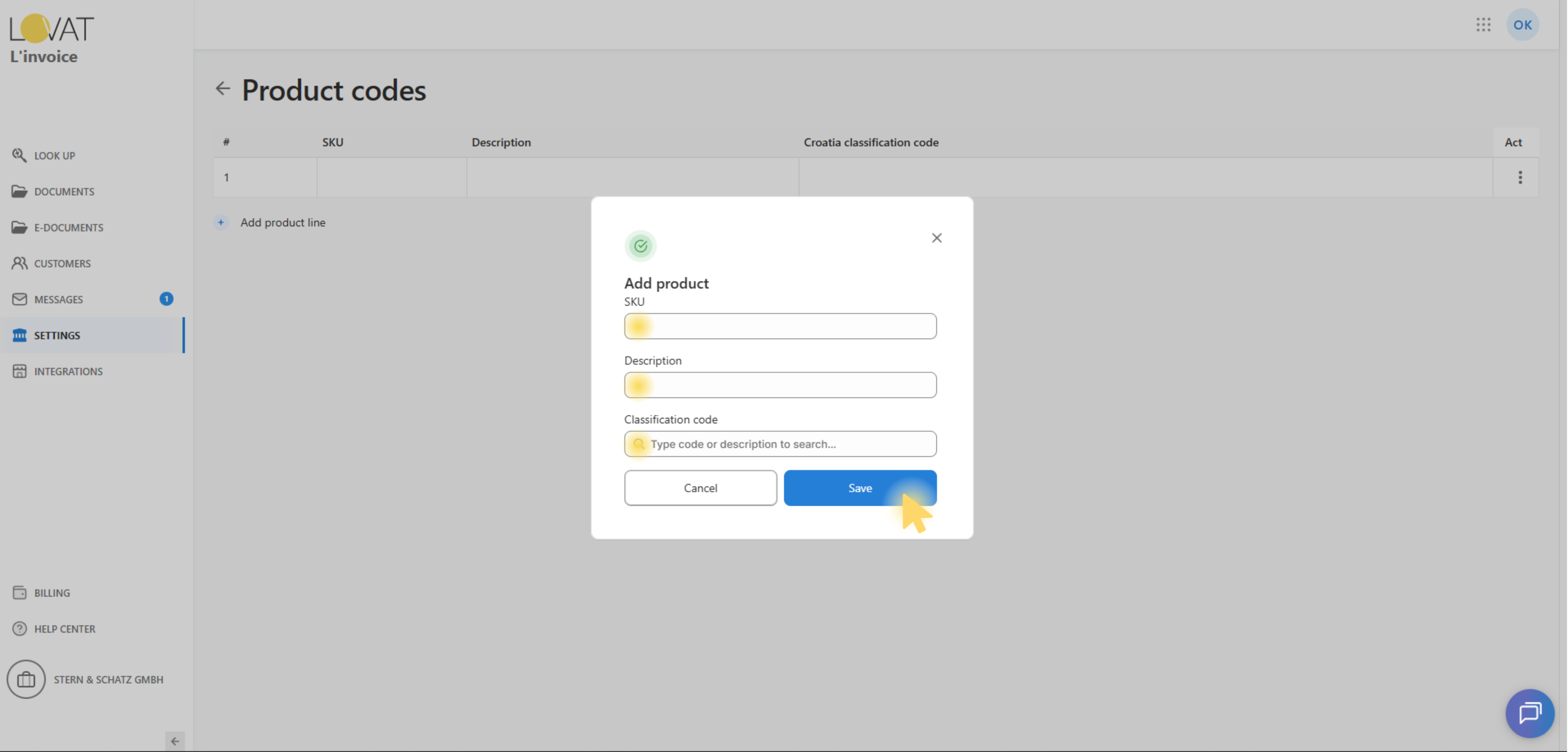
4. Add or edit product details
Click a row to open the product modal:
- Add product — for new/empty rows
- Edit product — for existing saved products
Fields:
- SKU (optional)
- Description (optional)
- Classification code (optional, depends on country rules)
Actions:
- Cancel — closes the modal without changes.
- Save — saves the product and refreshes the table.
5. Delete a product
In the Act column, open the “…” menu and choose Delete.
A confirmation modal appears:
- Cancel
- Delete (critical)
Deleting permanently removes the product line.