How to integrate Xero with Lappa
L’Invoice & Xero integration allows you to seamlessly send invoices created in Xero to L’Invoice for Peppol-compliant invoicing.
L’Tax & Xero integration enables seamless uploading of international invoices to the transactions section, making it easier to prepare tax returns and include all your sales.
Example:
Arketto Ltd (UK) sells books and audiobooks worldwide. The company receives subscriptions via Stripe and wire transfers to its bank account. Arketto integrates with Stripe and uploads B2B transactions from both Stripe and Xero. The company holds an EU VAT number and prepares VAT returns using L’Tax.
Integrate your Xero account with your Lappa account. Lappa for Xero allows to get automated tax calculations on invoices.
In order to get integration of Xero with your Lappa account for tax compliance purposes, please complete the following steps:
1. Prepare for integration with Xero
To start the integration with Xero, go to your Lappa platform and log in using your credentials.
Once logged in:
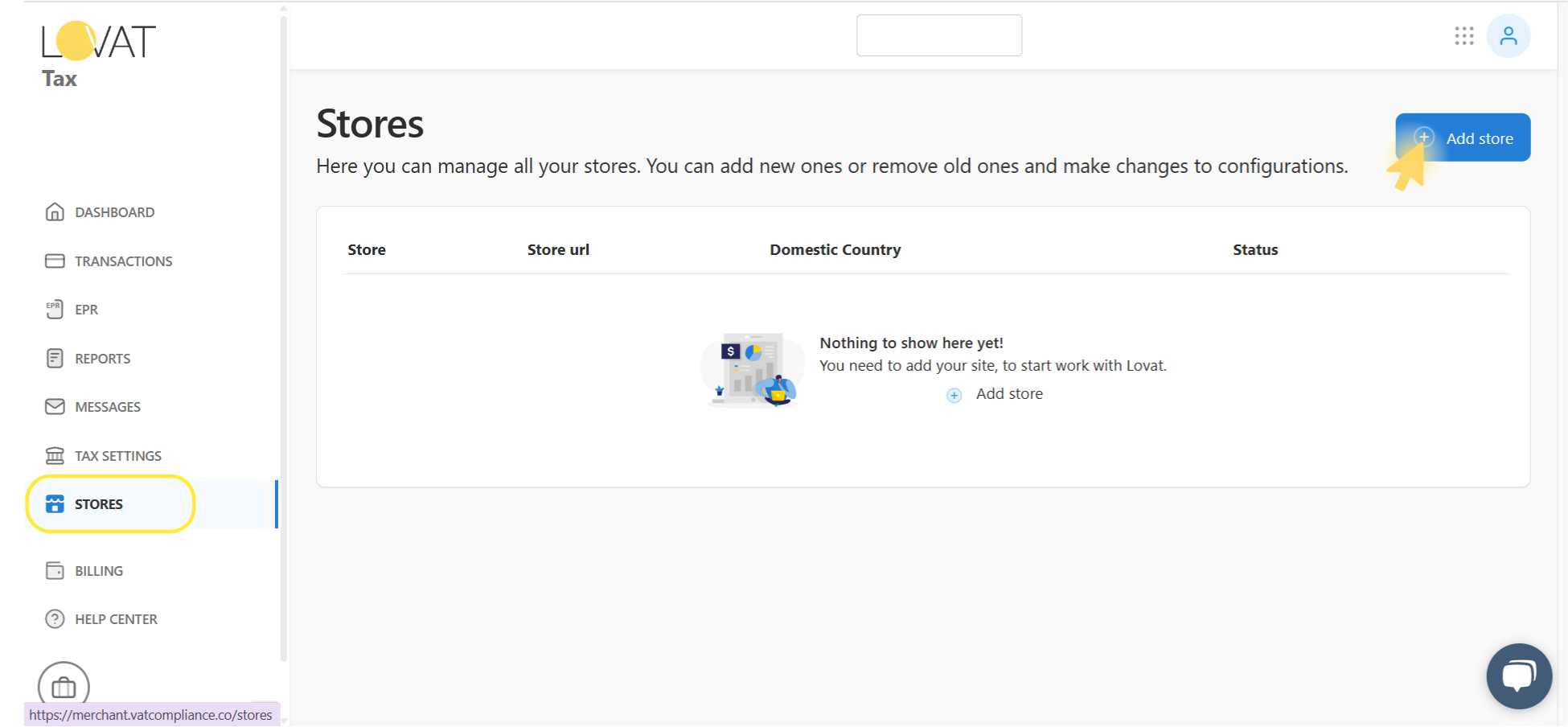
- In the left-hand menu, click on STORES.
- In the top-right corner, click the Add store button.
2. Connect Xero to Lappa ovat
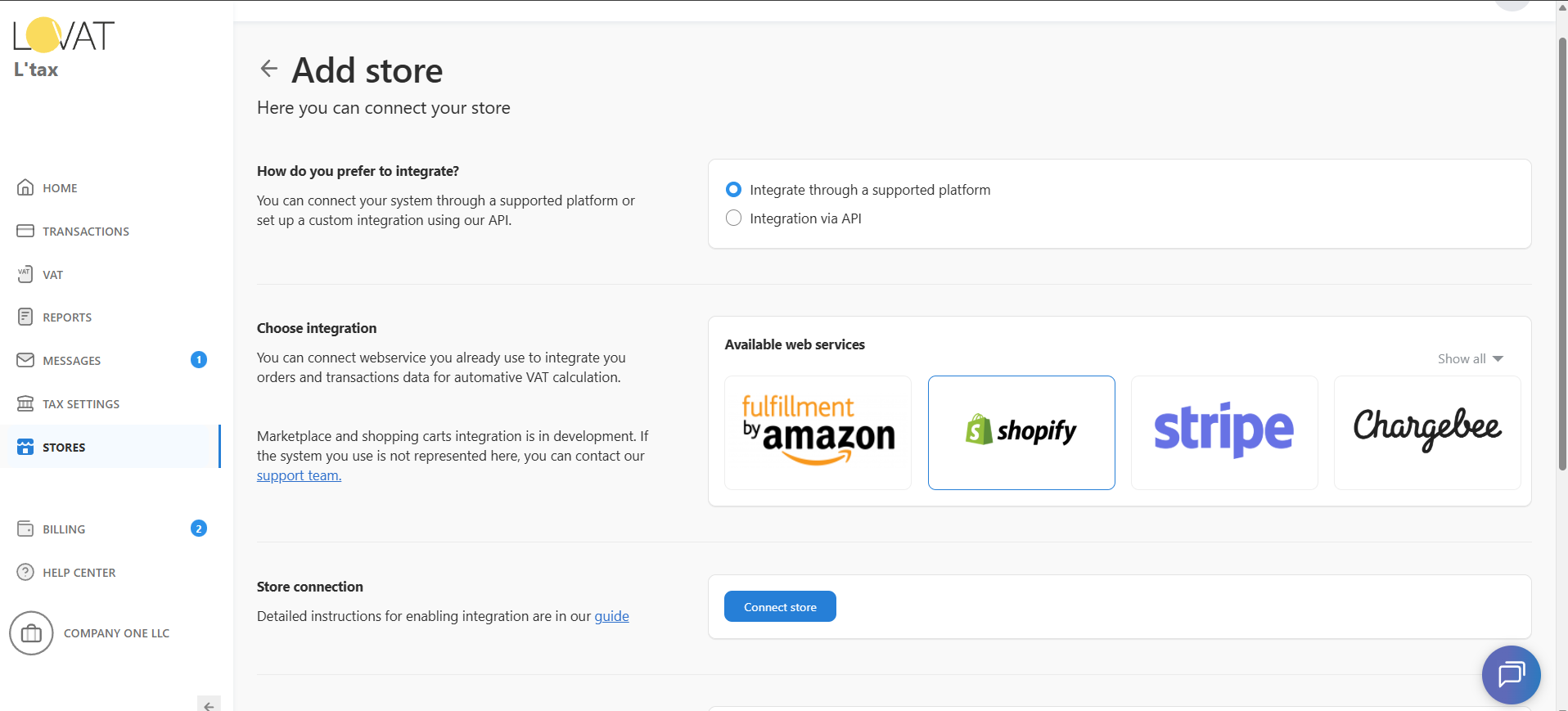
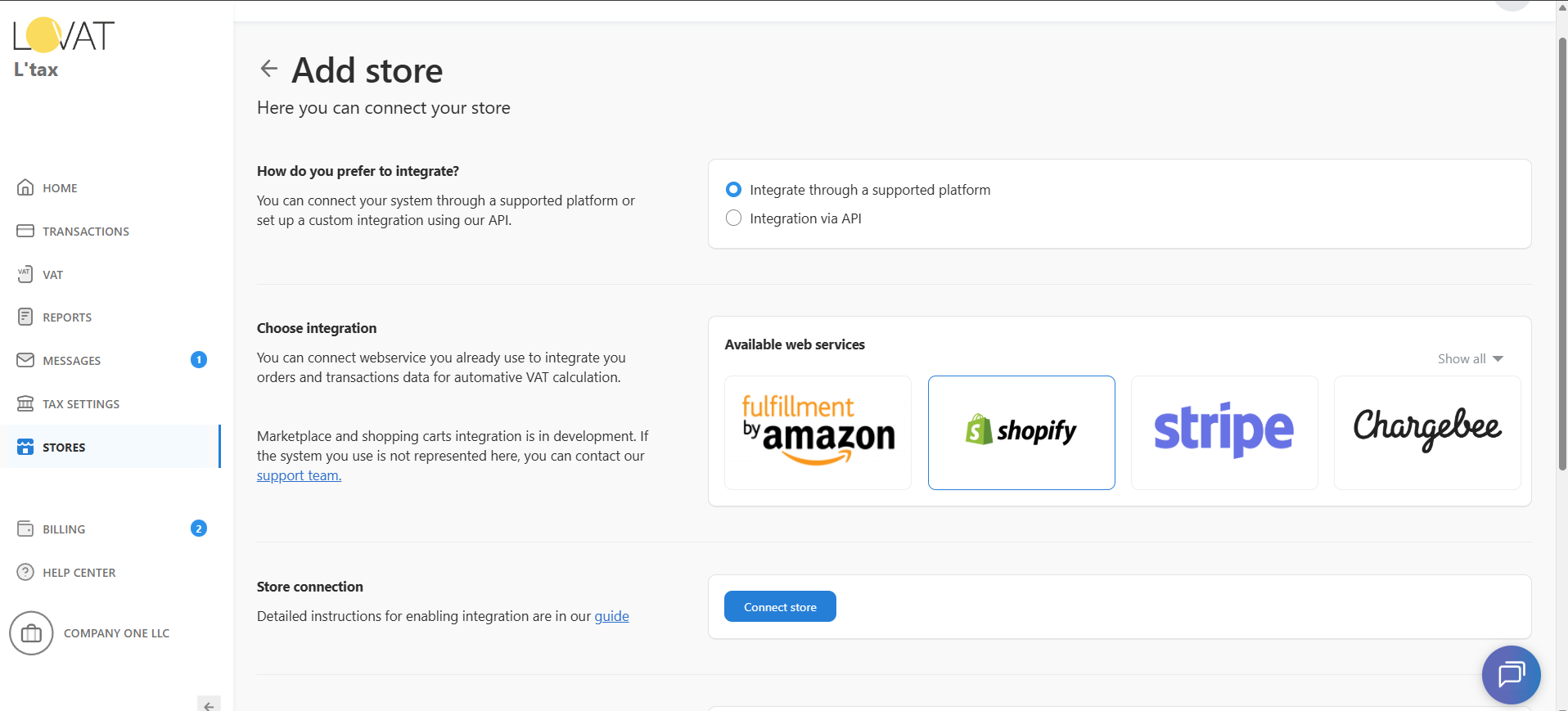
On the Add store screen, specify how you sell:
- Under “How to you prefer to integrate?”, select “Integrate through a supported platform”.
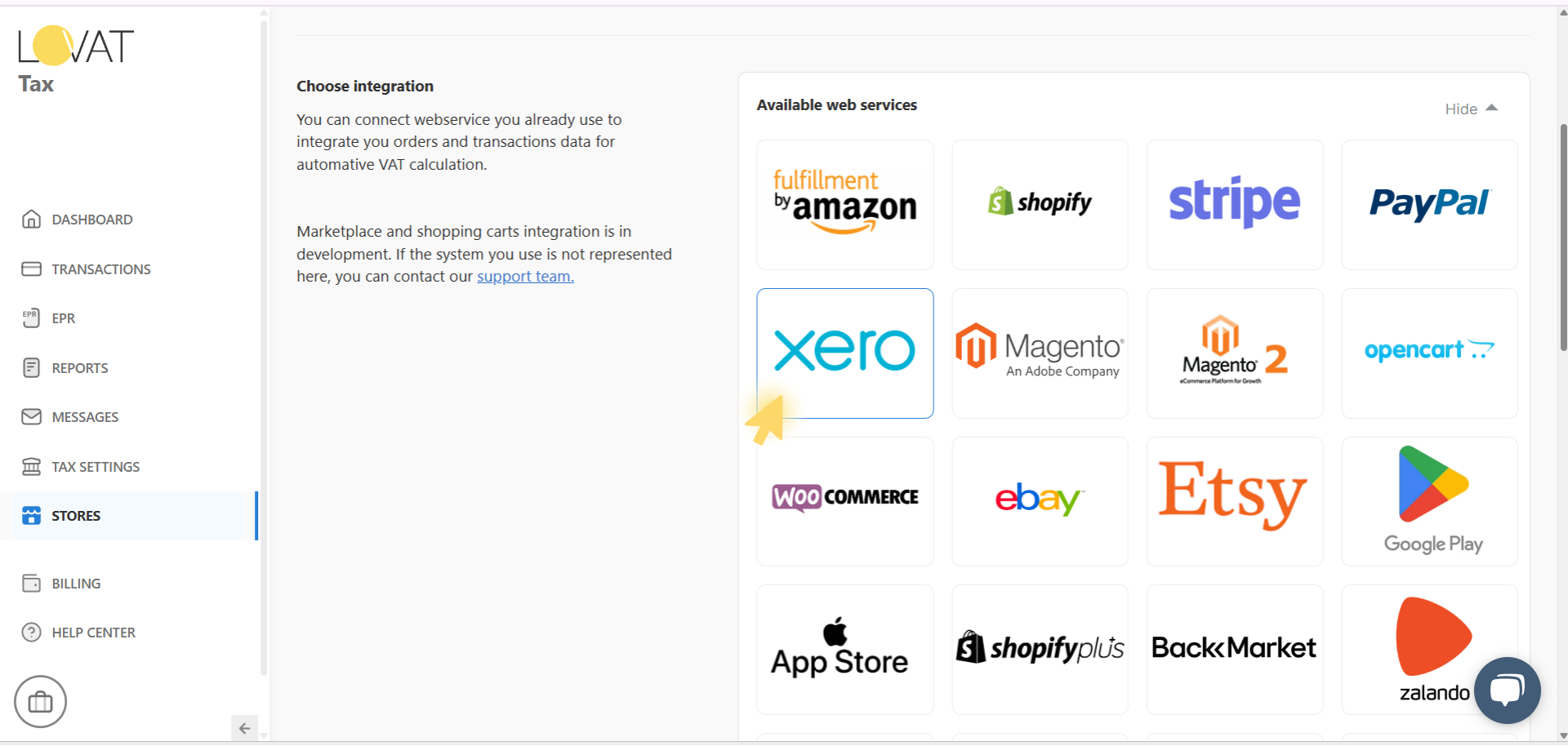
- In the Available web services section, click Show all to view all integration options.
- Choose the platform you want to connect (in our case — Xero).
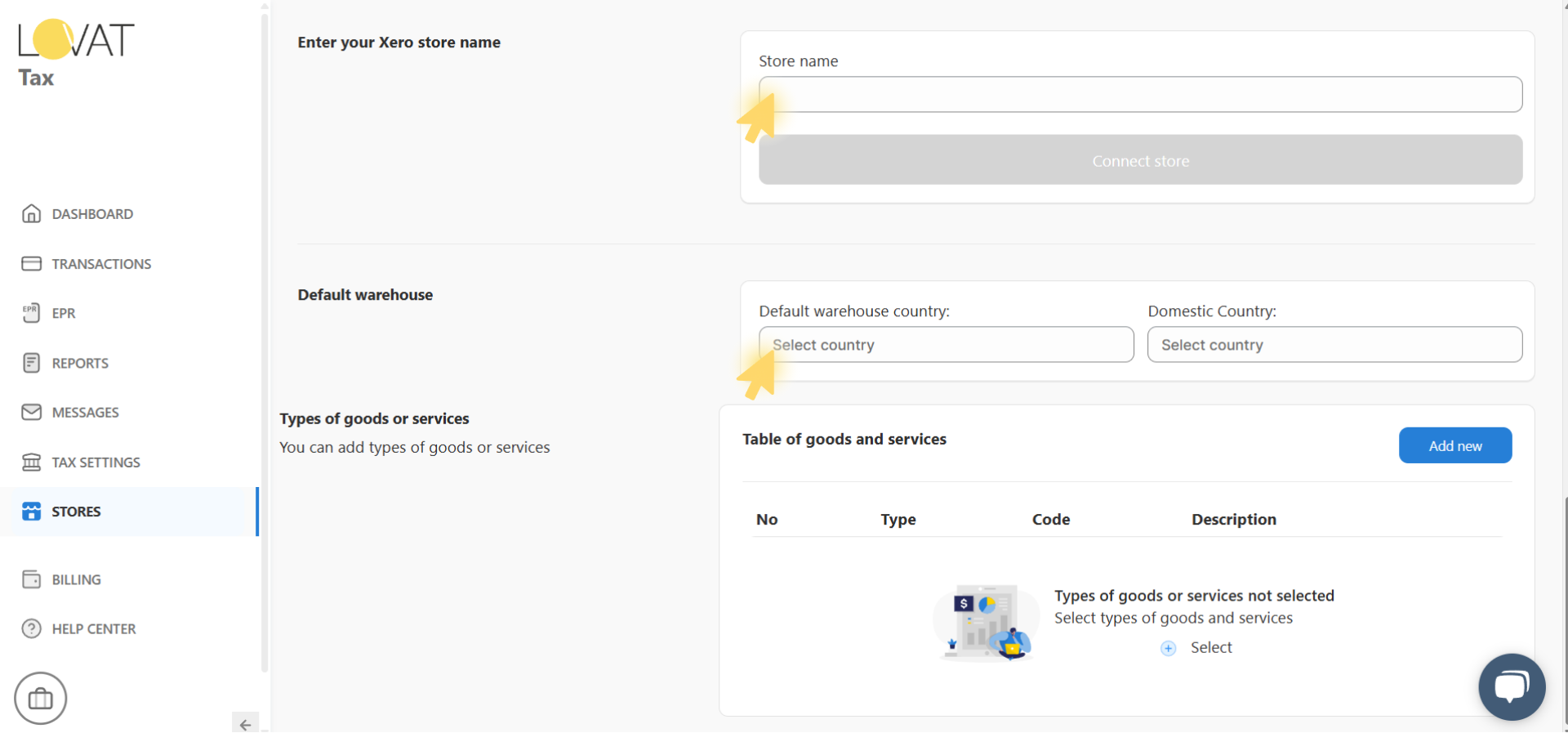
3. Fill in store details
At this step, you need to enter the key store details:
- In the Store name field, enter the name of your Xero store.
- Select your Default warehouse country and Domestic Country.
Once all required fields are filled, click the Connect store button to complete the integration.
4. Login in Xero account
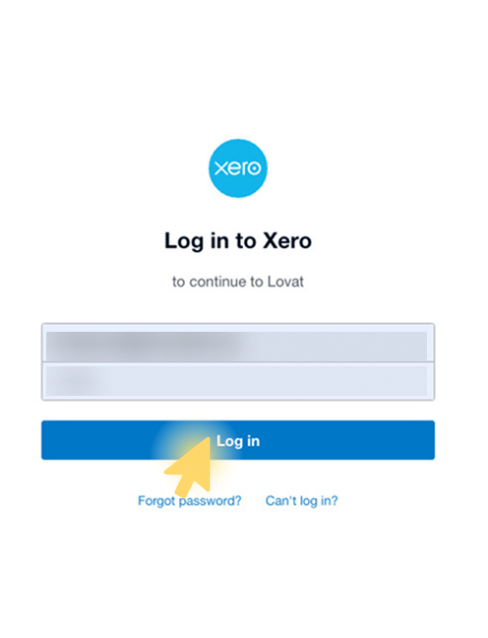
After clicking Connect store, you’ll be redirected to the Xero login page.
- Enter the email address linked to your Xero account.
- Enter your password.
- Click Log in to proceed with the integration to Lappa.
If you forgot your password, click Forgot password to reset it.
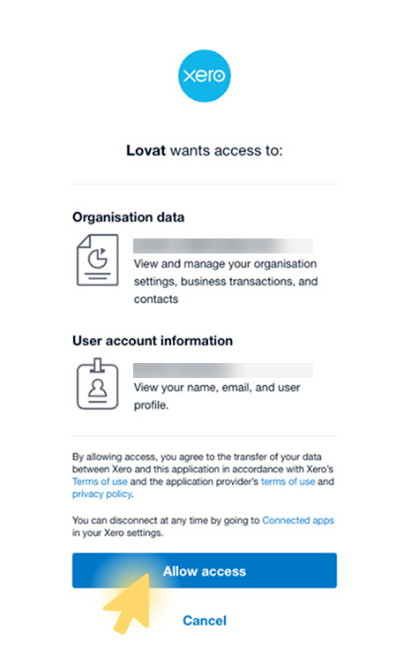
After logging in to Xero, you’ll see a request screen asking you to authorize Lappa to access your account.
Review the requested permissions:
- Organisation data
- User account information
Click Allow access to approve and continue the integration.
You can revoke this access anytime via your Xero connected apps settings.
5. Integration Lappa with Xero completed!
After confirming access, your store is successfully connected to Lappa .
From now on, your Xero account data (transactions, orders, reports) will sync automatically for tax calculation and reporting.
Still have questions?
Contact us support@vatcompliance.co